


Unsplash, Reddit
Printers are common devices that only have to perform one task, but for some reason, they are often the cause of endless technical issues.
Anyone who has worked in technology for any length of time has a story about how frustrating printer issues can be.
That includes the IT girl in this story, who managed to find an obscure setting that somehow changed for Windows 11 users at her church.
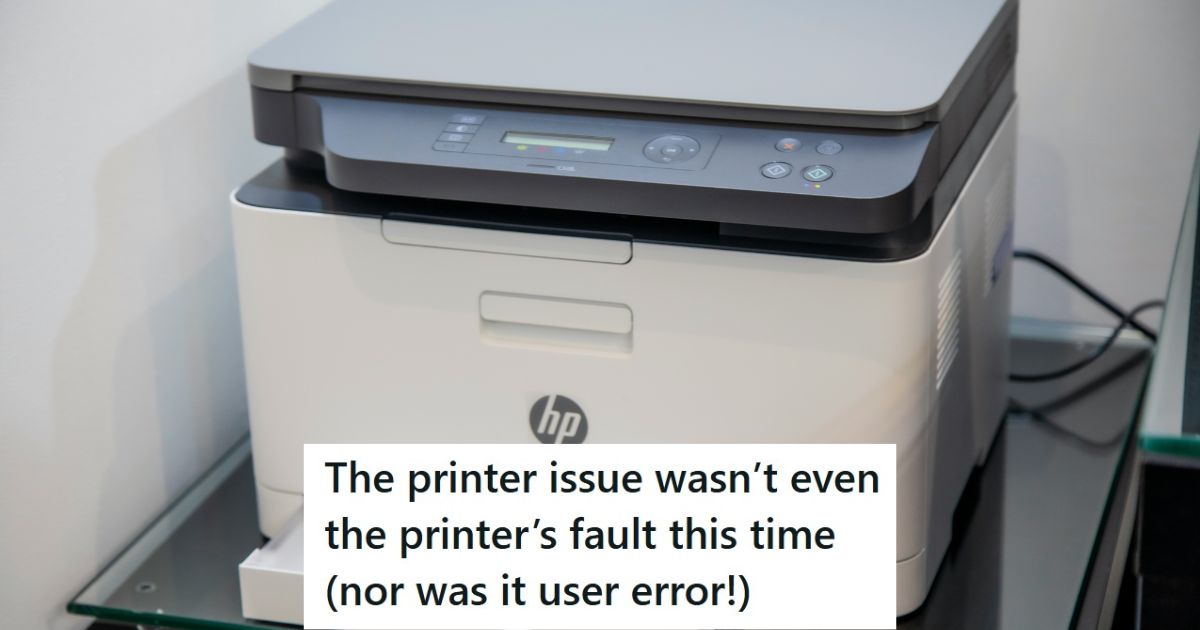
The printer issue wasn’t even the printer’s fault this time (nor was it user error!)
So, I’m the de-facto IT gal for my grandparents’ church.
In a situation like this, it is mostly volunteers.
They’re a rural church and my grandpa works in the administration. They’re small, run mostly by old people, and don’t have a big IT budget.
So, since I’m the one tech-savvy grandchild out of all the families that run the church, my grandpa calls me when they need anything techy done.
Well, this is nice then.
I don’t make a job out of IT work and I’m not religious, but my grandpa pays me, and I could always use the extra cash!
I’m no pro, I have no training, just determination and good problem-solving skills. That’s enough to seem like a pro to him at least!
Printers are always causing problems.
So, this time, it was a printer issue. Printers are the most unholy piece of work in tech as the stories say.
But at least fixing one isn’t an actual challenge, so compared to the more common issues that are usually easy fixes that old people without tech literacy can’t figure out, this was a breath of fresh air because it likely wouldn’t be their fault and I wouldn’t have to hold back rolling my eyes out of politeness cause the printer has no conscience to care about it.
Seems easy enough.
So, printer (the big-unit office style one) beeps and asks you to put envelope paper in the multipurpose tray with every print job. You have to walk down the hall to press a regular tray full of letter-size paper with EVERY print job. And a lot of printing is done cause they prefer paper recordkeeping.
I go into paper settings on the printer. I change everything I can to try to print from the right bin.
Printers can be so frustrating.
Fail every time. I check all the print settings when going to print; everything is set to letter size paper.
I go back and forth with printer settings cause it looks like it SHOULD be a printer issue, but none of the many available settings fix the issue.
She is making progress.
So, my grandpa takes out his MacBook and tries to print. It prints fine! So, boom, narrowed it down to a computer issue with the Windows 11 laptop.
I am used to windows 10 and don’t use 11, so it took a few minutes to find the ridiculously hidden print settings. The ones from the settings menu formerly handled from control panel.
Why do they make these settings so hard to find.
And four menus deep, where no one using the computer would ever think to look, there it was. The default paper size was set to envelope.
I set it to auto. Boom, printing with letter paper selected works again! I have absolutely no clue how it changed. So, I went to the other windows 11 computer, turned it on and tested it out.
Same issue!
That is weird that all the Win 11 computers had this issue.
Its settings were also changed to envelope in that deep hidden dialogue box.
I wrote a how to fix guide for them in case there are other 11 PCs I didn’t get to. But I still have absolutely no clue how it happened, and I am going to blame windows 11 updates and perhaps the fact that even being in a church cannot exorcise the demons plaguing that OS.
Well, at least the printer has turned to Jesus this time.
Those weird IT issues can be very frustrating, but sometimes they are fun to work on as well.
Read on to see what the people in the comments have to say about it.
It is the Microsoft way.


Yup, this was a planned ‘upgrade.’


She is exactly right.


This commenter offered some good information.


This is likely correct.


Printers are the nightmare of any help desk worker.
If you liked that post, check out this story about a customer who insists that their credit card works, and finds out that isn’t the case.